See a sample fabrication project move from scope and drawing approval through procurement, production, inspection, dispatch, and handover.
Business OS project approvals · Sample data
Four modules, one workspace
Explore each part of Business OS through screenshots from a demo workspace with fictional data.
ERP
Operations & finance
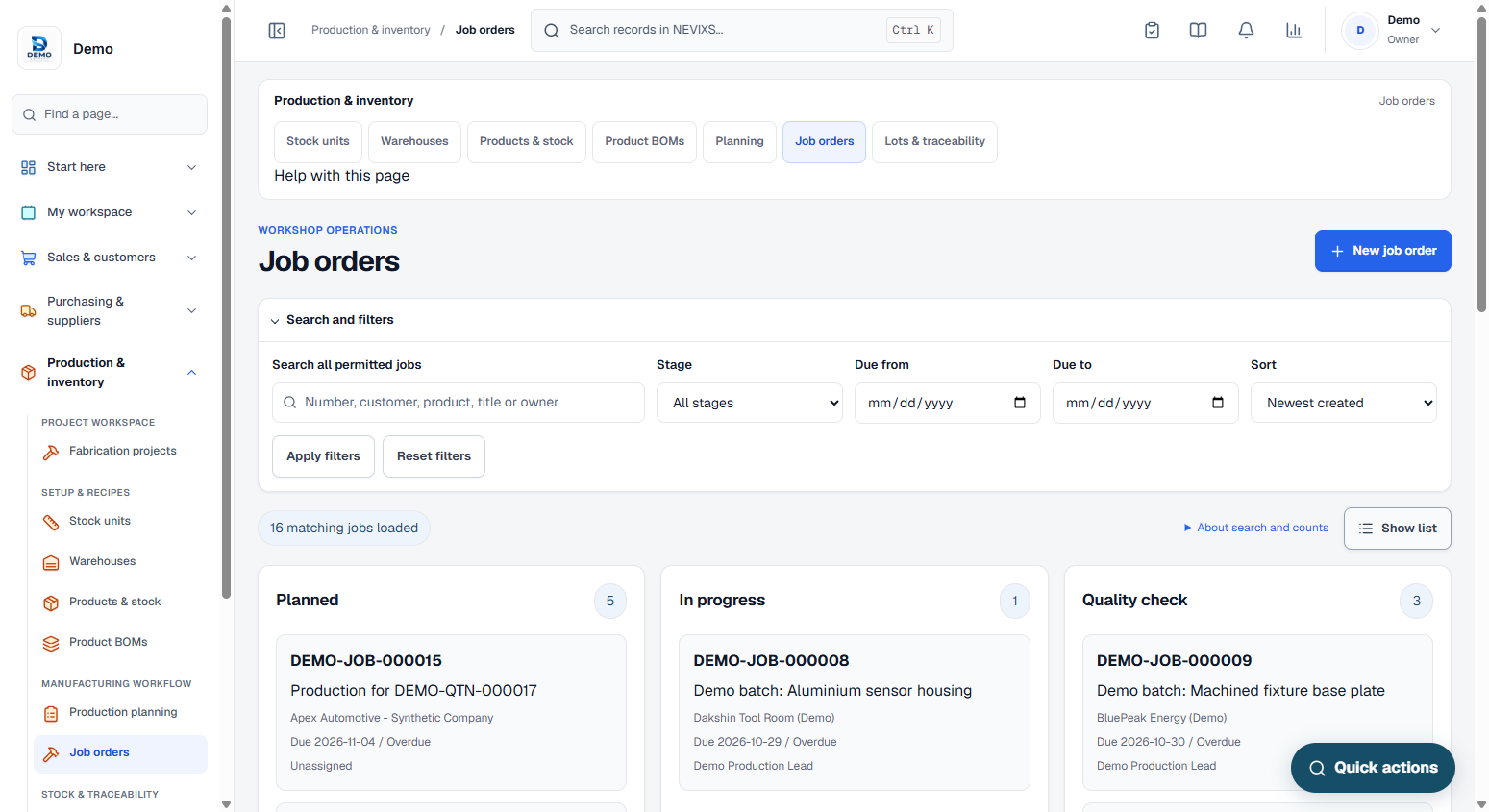
Run purchasing, stock, production, and finance from one workspace. An order, the materials it needs, and the payment that follows stay connected, so teams work from the same records.
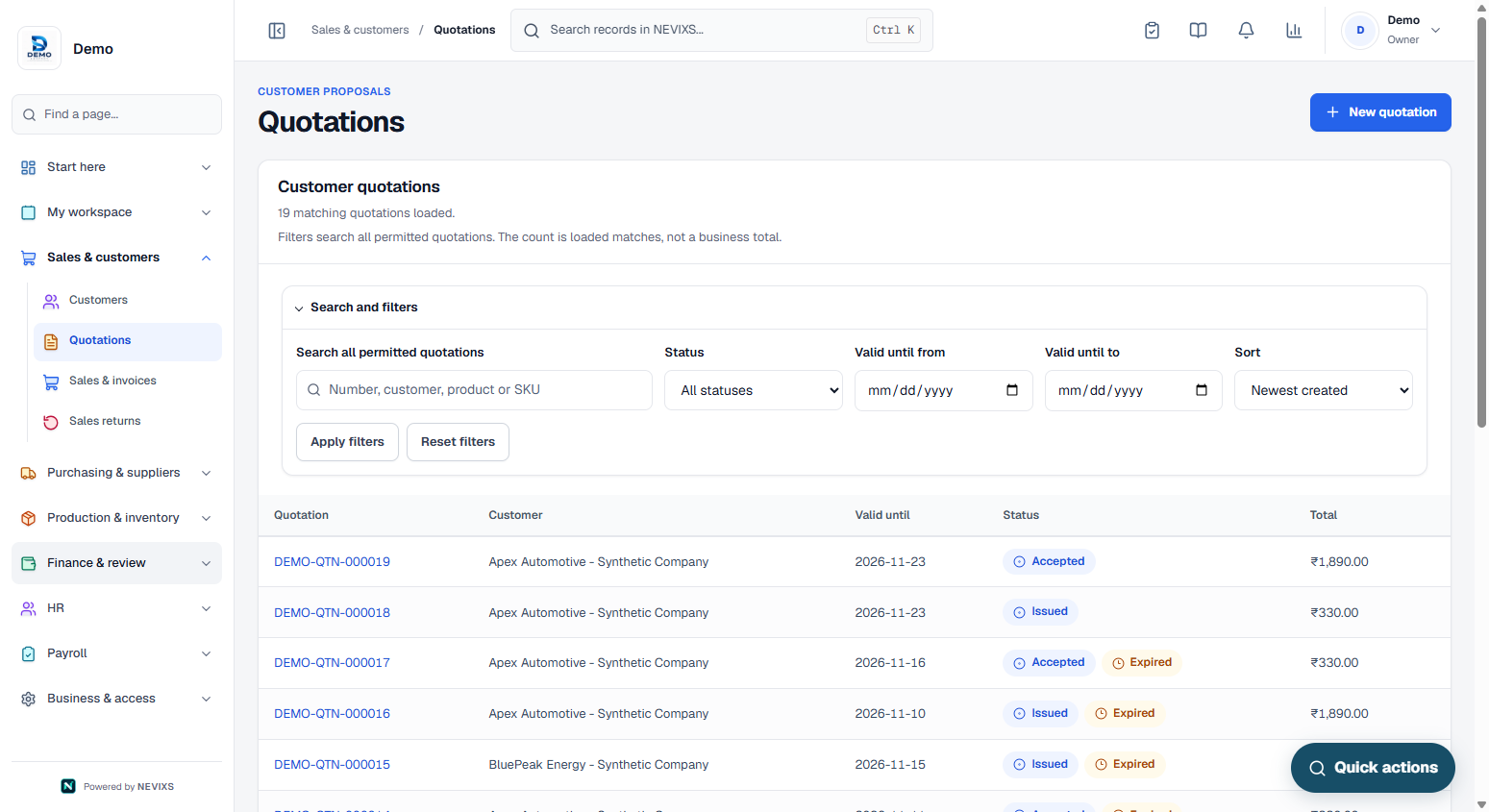
Keep customers, quotations, and invoices together, so the commercial side of a job stays close to the work behind it. See what has been quoted, invoiced, and is still outstanding.
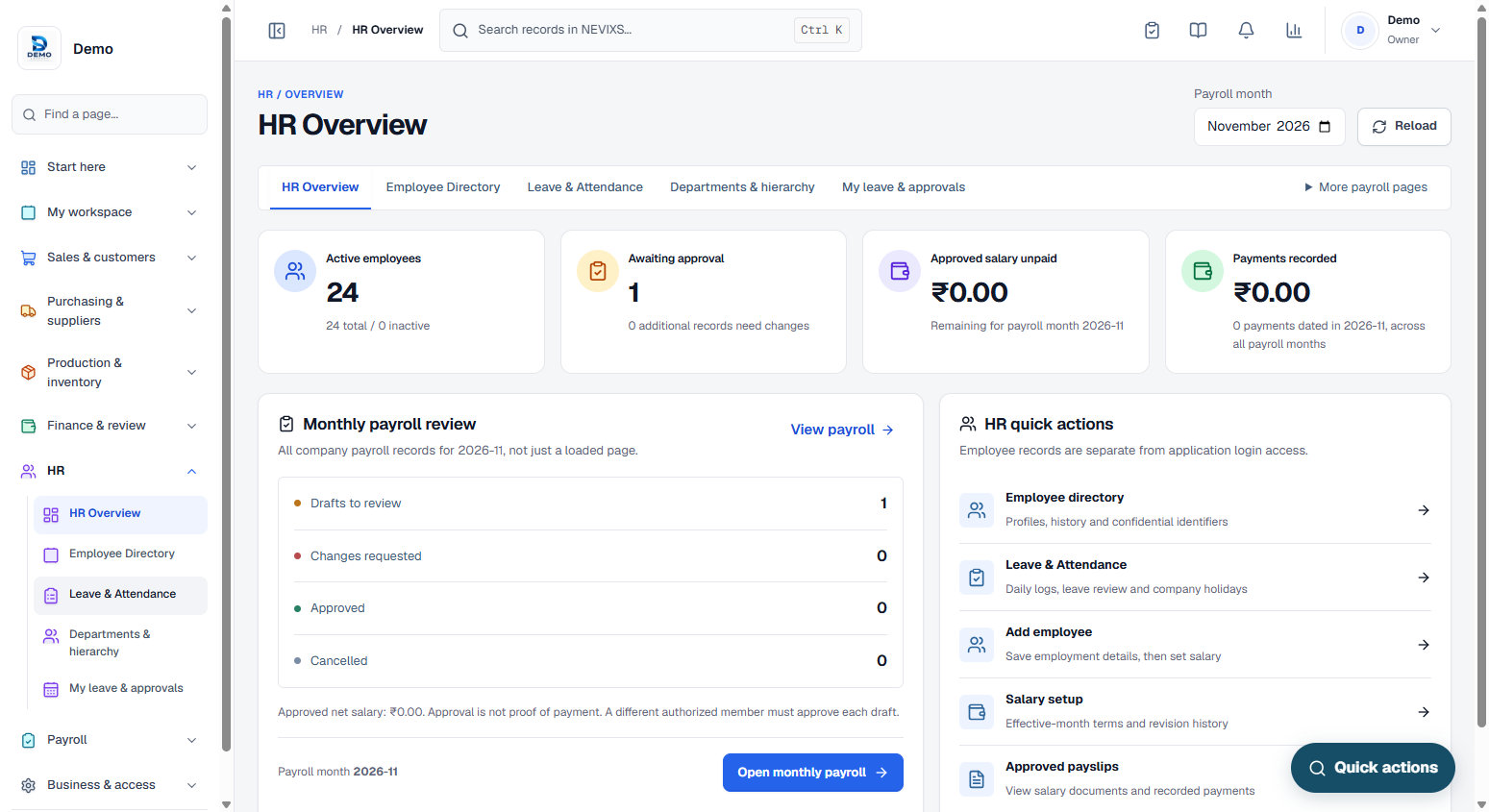
Give your people workflows a dedicated area that connects to payroll and the rest of the business. Tell us about the HR processes your team handles today, and we will show how they fit.
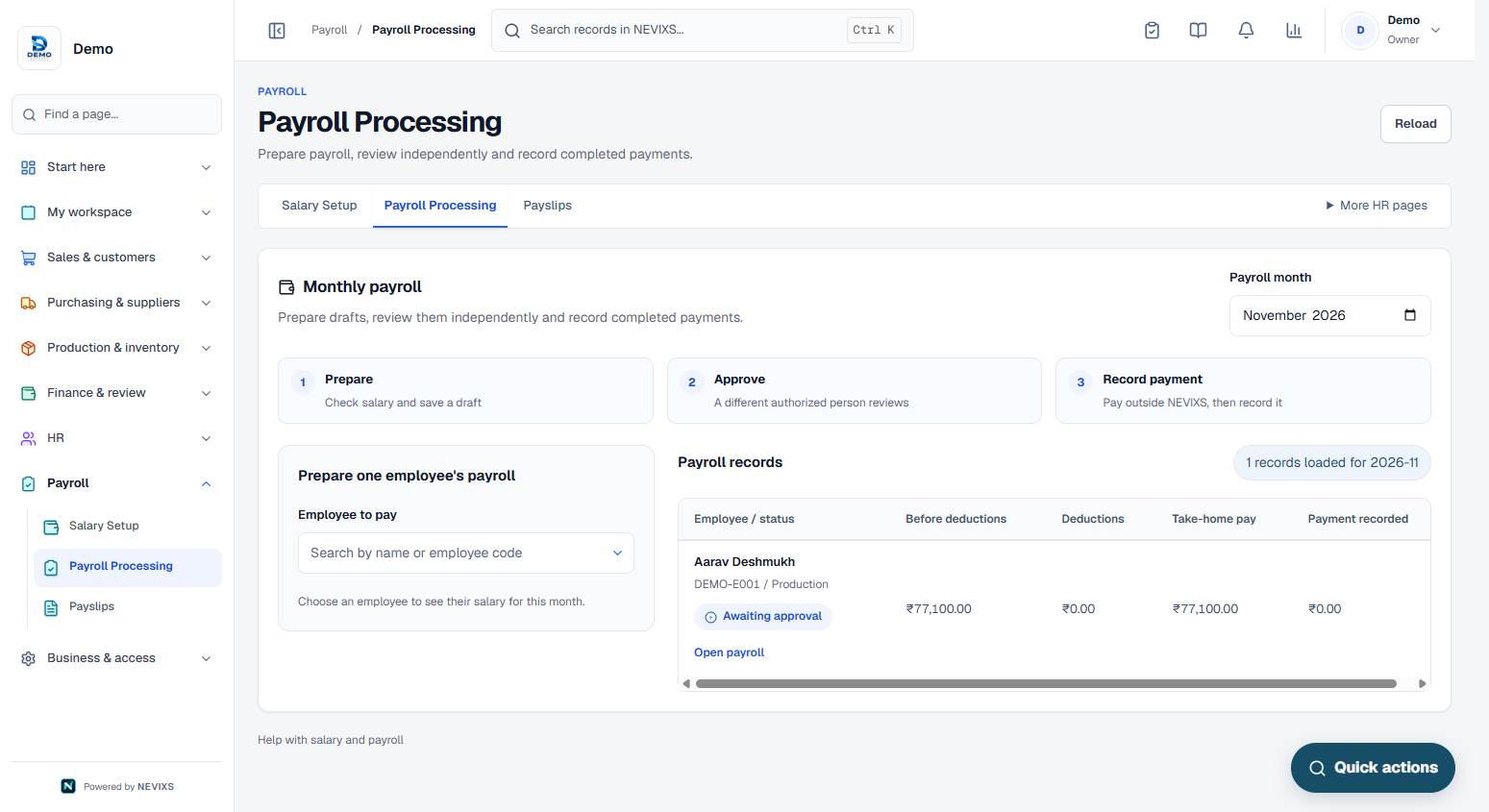
Handle payroll alongside HR and finance instead of in a separate tool. Confirm the calculations, statutory requirements, and payment process you need during a demo.
Select a workflow to see how customer, operational, and people processes can be considered together.
For sales & finance
Take an enquiry through to invoice.
Keep customer details, quotations, and invoices together as a sales conversation moves forward.
01Customer records
Open the customer record
Keep the customer and enquiry details in one place.
02Quotations
Prepare a quotation
Set out the proposed work and its commercial details.
03Invoices
Track the invoice
See the invoice and any outstanding balance.
What to expect from a demo
01 / Your context
Show us the work.
Tell us about your team, current tools, and the handoffs that take the most effort.
02 / Product walkthrough
Explore what matters.
Ask to see the modules relevant to your business, and confirm the details you depend on.
03 / A clear scope
Discuss the next step.
Review pricing, data needs, integrations, and setup questions with our team.
Infrastructure
Built on Amazon Web Services
Business OS runs on AWS cloud infrastructure in the Asia Pacific (Mumbai) Region, so your team can work from any browser.
Cloud providerAmazon Web Services (AWS)
RegionAsia Pacific (Mumbai)
AccessWeb browser at app.nevixs.com
Business OS questions
What to know before a demo.
Bring your requirements. We'll discuss what the product does and what needs further checking.
Where is my data hosted?
Business OS runs on Amazon Web Services (AWS) in the Asia Pacific (Mumbai) Region. Ask our team if you need more detail about how your data is stored, backed up, and who can access it.
How do I get started?
Open the app to sign in or create an account, or request a demo and tell us which workflows you want to see. We will walk through the modules that matter to your business.
Can I see the actual product before deciding?
Yes. The screenshots and video on this page come from Business OS with sample data. In a demo, we can show the workflows your team cares about.
What about existing data and integrations?
Tell us what systems you use, what data you need to bring across, and where work moves between tools. We can discuss the scope before you decide; an integration or migration is not assumed to be included.
Does the payroll module cover our statutory requirements?
Requirements vary by location and business. Share the calculations, filings, and payment process you need so we can confirm current coverage. This page does not promise automatic statutory compliance or direct bank payouts.
How do I get support?
Email our team at support@nevixs.com or message us on WhatsApp. Tell us your company name and what you need help with.